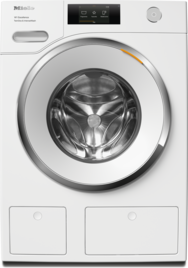
A software update includes adding a buzzer at the end of the programme for some washing machines. The new software version activates the buzzer as standard.
Letter P11 Buzzer duration programmable function
The buzzer sounds to let you know that it is the end of the programme. You can decide how long the buzzer should sound for.
Options
01 = The buzzer sounds 3 times at the end of the programme.
02 = The buzzer sounds until the washing machine switches off automatically (max. 1 hour).
Letter P12 Buzzer programmable function
The buzzer sounds to let you know that it is the end of the programme.
Options
00 = Buzzer is deactivated.
01 = Buzzer is set to normal.
02 = Buzzer is set to loud.
Open programming level, select programmable function, save settings
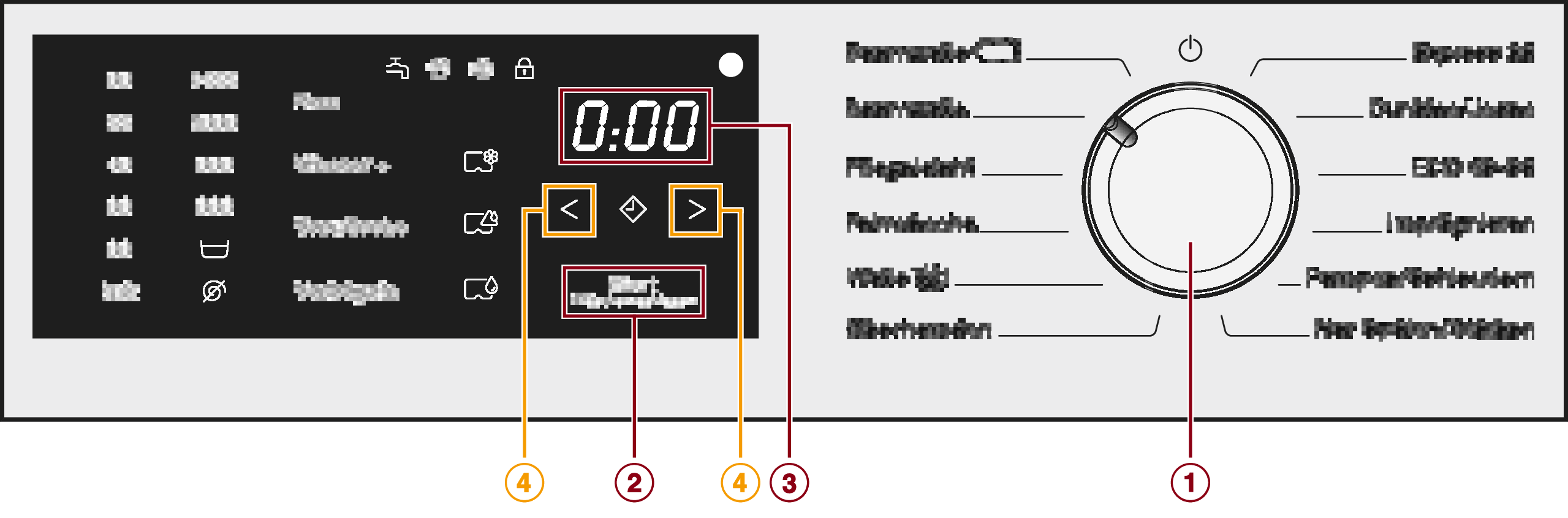
1. Programme selector
2. Start/Add laundry sensor control
3. Time display
4. or sensor controls (arrows)
Opening the programming level
Programming is carried out in 8 steps (, , ... ) using the sensor controls.
Requirements:
The washing machine is switched on (the programme selector is pointing to a wash programme).
The washing machine door is open.
Touch the Start/Add laundry sensor control and hold it down whilst carrying out steps –.
Close the washing machine door.
Wait until the Start/Add laundry sensor control lights up constantly ...
... and then release the Start/Add laundry sensor control.
After approximately 4 seconds, Letter P11 will light up on the time display.
Choosing and selecting a programmable function
The number of the programmable function will appear in the time display as Letter P and a number: e.g. Letter P13.
Touch the Right arrow or Left arrow sensor control to scroll to the next or previous programmable function.
Confirm the selected programmable function by touching the Start/Add laundry sensor control.
Editing and saving a programmable function
You can either switch a programmable function on/off or select different options.
Touch the Right arrow or Left arrow sensor control to switch the programmable function on/off or to select an option.
Confirm the chosen selection with the Start/Add laundry sensor control.
The number of the programmable function, e.g. Letter P13, will then light up again.
Exiting the programming level
Turn the programme selector to the Standby position.
The settings you have selected are now stored in the memory. You can alter the settings again at any time.
For further information on your washing machine, please refer to the operating instructions (see “Programmable functions”).


