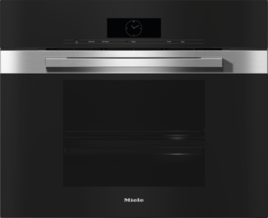
The steam oven/combination steam oven control panel will not open or close automatically despite the sensor control for opening and closing being touched several times.
The appliance was on standby and the Fill water container sensor control for opening/closing the control panel was not pressed for long enough.
Hold down the Fill water container sensor control for opening/closing the control panel for longer after the appliance has been on standby.
Something is obstructing the control panel.
Remove the obstruction.
The obstruction sensor is very sensitive.
The obstruction sensor, which interrupts the process as soon as the control panel encounters resistance when opening/closing, is very sensitive. This can sometimes prevent the control panel opening or closing.
Open/close the control panel manually.
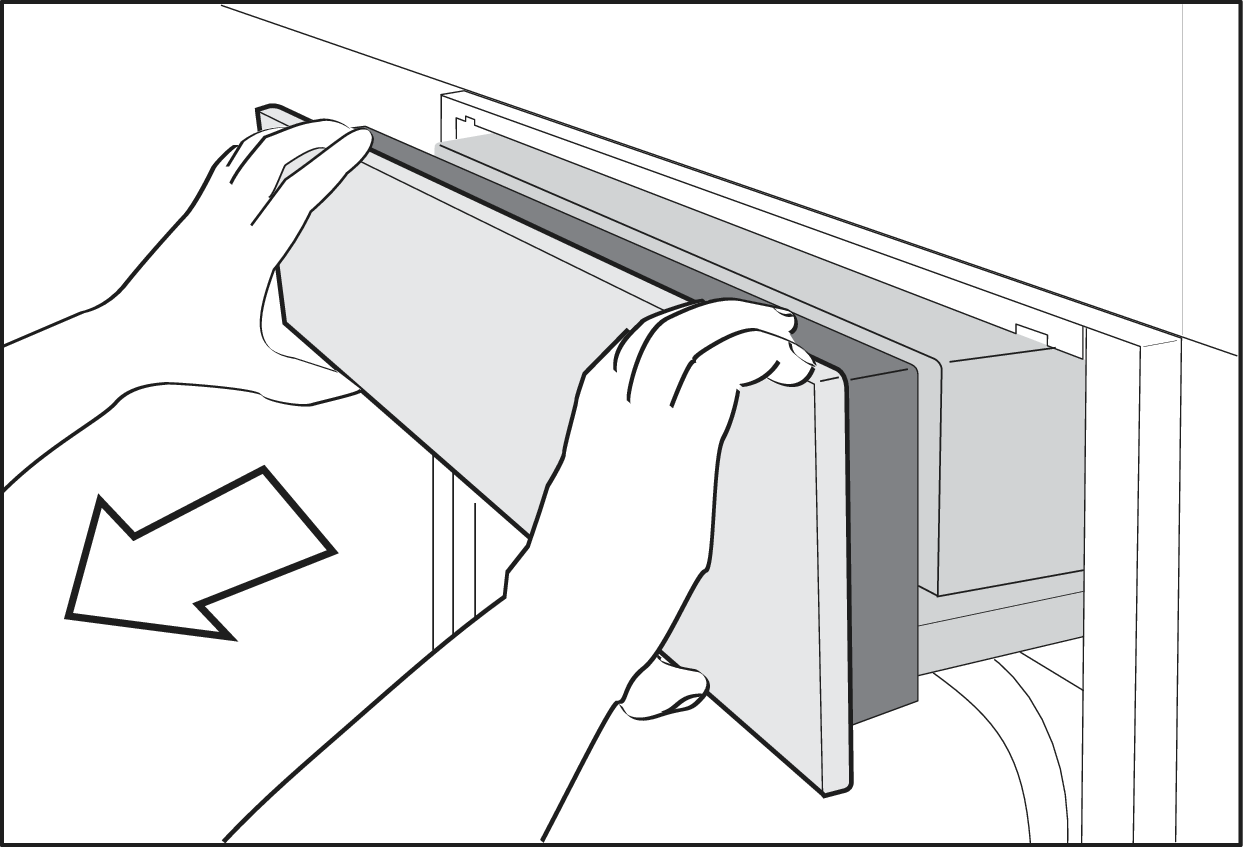
To open the control panel manually, proceed as follows:
Carefully open the door of the steam oven/combination steam oven.
Take hold of the control panel at the top and bottom with both hands.
Pull the control panel forwards and out first.
Carefully push the control panel upwards.
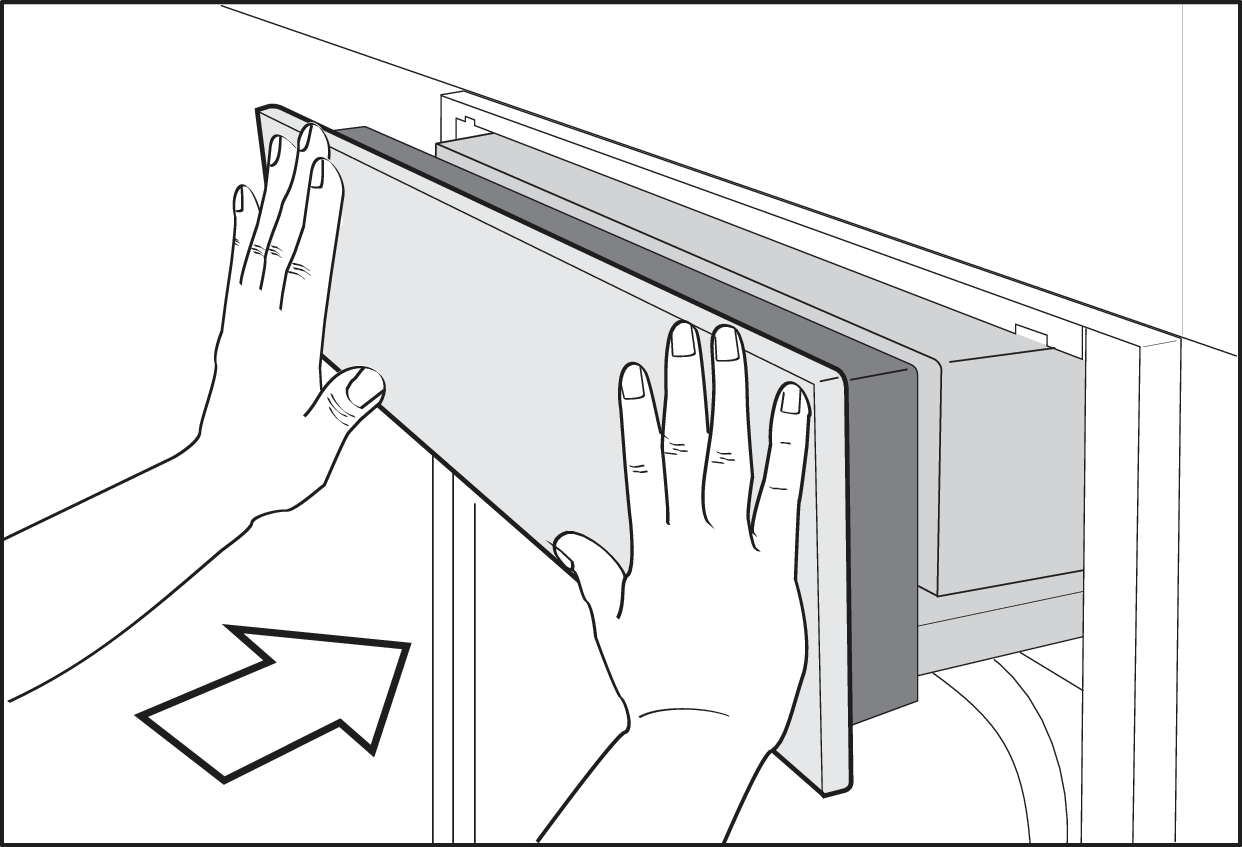
To close the control panel manually, proceed as follows:
Take hold of the control panel at the top and bottom with both hands.
Carefully push the control panel downwards.
Push the control panel in.
There is a software fault.
Disconnect the steam oven/combination steam oven from the power supply for 10 seconds and then reconnect it.
If the fault persists, please contact Miele Customer Service or book a repair appointment online.
Operating Instructions finder
Here you will find the operating instructions for your Miele appliances