SearchFind a store
Support for your

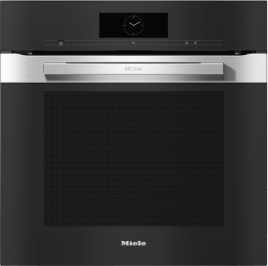
Dialog Oven

Dialog Oven

System lock

System lock appears in the Dialog oven display.

The system lock is activated.

You can deactivate the system lock for a cooking process by touching the  symbol for at least 6 seconds.

You can deactivate the system lock permanently. To do this, proceed as follows:

  • Select the Settings menu from the main menu. Settings cannot be changed while a cooking process is in progress.

  • Select the Safety menu option.

  • Select System lock.

  • Select Off.

  • Select OK.

Everything that fits your appliance

View spare parts, accessories, and cleaning products for your model in My Appliances, as well as operating instructions and installation guides

Go to My Appliances
customerAssistanceLinkToApplianceSupportTitle
Operating Instructions finder

Operating Instructions finder

Here you will find the operating instructions for your Miele appliances
Find your manual
Book a technician

Book a technician

We are happy to take your repair booking online or by telephone
Plan a visit
Contact us

Contact us

Visit our Contact us page to see the different ways you can speak to us.
Contact us