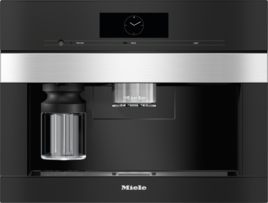
The coffee machine failed to perform automatic cleaning 3 times.
The automatic cleaning function was unintentionally deactivated.
Switch automatic cleaning back on via the settings:
Touch the Back arrow sensor control.
Select Settings and then Automatic cleaning.
Select the setting you want and confirm with OK.
The following requirements must be met for automatic cleaning to be carried out:
Ready-to-use cleaning and descaling cartridges are inserted.
Automatic cleaning is switched on.
The coffee machine is connected to the mains power supply during automatic cleaning.
The drip tray, brew unit and central spout are inserted.
If filling the water container manually: the water container is inserted and is filled with water at least up to the Descaling Salt mark.
Carry out the instructions which appear in the display before switching off, e.g. Empty and insert the drip tray and grounds container.
The appliance door is closed before starting automatic cleaning.
The coffee machine is switched off.
If the fault persists, please contact Miele Customer Service or book a repair appointment online.


